Skip to content
8-step protocol · updated April 21, 2026

How to access Nexus market in 2026

From a clean machine to an open Nexus session. Eight steps, no assumptions about prior experience. The guide covers Tor Browser setup, PGP key generation, account registration, Monero wallet configuration, and your first multisig order.

Estimated time: 45–60 min first run Difficulty: intermediate Last updated: April 21, 2026
§00 · before you start

What you need before step one

Three things should be ready before you start. Missing any of them means stopping mid-process, which is the second biggest cause of operational mistakes after rushing.

A dedicated device or live OS

Ideally a laptop running Tails OS from a USB stick — it leaves no trace on the hardware. Failing that, a clean machine used only for Nexus. Sharing a device with everyday browsing is workable but significantly raises your operational footprint.

A password manager with TOTP support

KeePassXC is free, local, and handles both passwords and time-based one-time codes. Install it before you start registration — you'll need it to store credentials and generate 2FA codes. KeePass databases should live on an encrypted volume, not cloud storage.

Monero in a self-custody wallet

Buy XMR from an exchange, then withdraw to a local wallet before doing anything else. The official Monero GUI and Feather wallet both work. Do not attempt to deposit from an exchange address directly — those deposits are trivially traced to your identity. The self-custody step is the entire defense.

Experienced users: Skip to step 4 (PGP key generation) if you already have Tor Browser configured at Safest and a Monero wallet ready. The PGP and account setup sections contain Nexus-specific details worth reading even if you've done this before.
§01 · the protocol

Eight steps from zero to open session

Each step is self-contained. Do them in order. Skipping steps does not save time — it creates problems you'll spend more time fixing later. The PGP setup in particular cannot be shortcut. Done correctly once, you never repeat it.

Download Tor Browser from the official source only

foundation

Go to torproject.org directly. Download the Tor Browser bundle for your operating system. The Tor Project publishes a GPG signature for every release — verify it using GnuPG before extracting.

Do not get Tor Browser from GitHub mirror links, third-party sites, app stores, or torrent files. Those distributions have been modified more often than you would assume. App store versions are unofficial. The thirty seconds it takes to verify the GPG signature is the cheapest risk reduction in this entire guide.

On Windows: extract the .exe and run it. On Linux: extract the tarball, run ./start-tor-browser.desktop. On macOS: mount the .dmg and drag to Applications. All three platforms install without administrator privileges.

Tor Browser official download page with GPG signature verification instructions
Always verify the GPG signature on the Tor Project download page before installing.

Set the security slider to Safest and connect

configuration

Launch Tor Browser and wait for it to connect. First connection takes longer — thirty seconds to two minutes depending on your Tor circuit. Once connected, click the shield icon in the toolbar. Move the security level to Safest. This disables JavaScript globally, blocks most media formats, and kills several font-loading vectors that have historically been used in browser fingerprinting and deanonymization attacks.

Nexus renders correctly under Safest. It was built to work without JavaScript — all critical functions are server-rendered. Any page that breaks under Safest is a page you should not be logging into anyway. The Safest setting is not optional for serious use.

Circuit note

If Tor Browser refuses to connect, try the Use a bridge option in Tor settings. Bridges are unlisted Tor entry nodes useful when ISPs block known Tor IP ranges. The Tor Project provides bridges on request at bridges.torproject.org.

Copy a verified Nexus onion link — never type it manually

access

Go to the verified URLs page on this directory. Use the Copy button next to one of the four verified Nexus addresses. Paste it (Ctrl+V or Cmd+V) directly into the Tor Browser URL bar. Hit Enter.

Never type an .onion address by hand. A Tor v3 address is 56 characters of base32 — every character is cryptographically significant. One wrong character resolves to a completely different .onion service. That service may be a phishing clone that looks exactly like Nexus, collects your login credentials, and intercepts your deposits. The phishing risk on Nexus is real and active. Copy buttons exist for this reason.

Method Risk level Recommended
Copy button from nexusdark.vip Lowest — PGP-verified source Yes
Copy from verified Dread PGP post Low — if you verify the signature Yes, with verification
Manual typing from this page Medium — human error risk No
Link from YouTube, Telegram, forums High — primary phishing vector Never
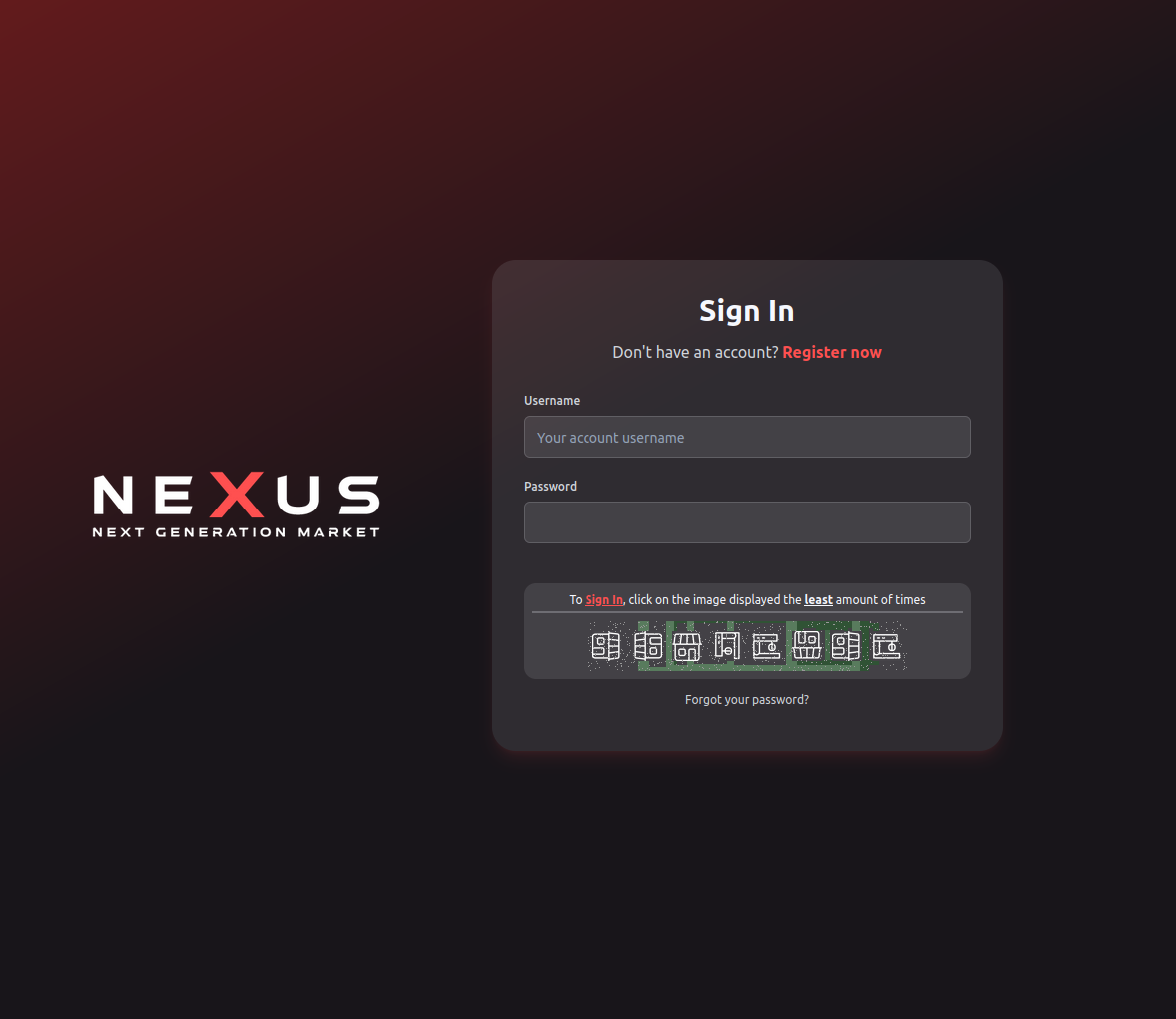
Nexus market login page loaded correctly in Tor Browser via verified onion link
The Nexus login page as it appears when loaded via a verified mirror in Tor Browser (Safest mode).

Generate a PGP keypair on an air-gapped device

security

Before you register, generate a PGP keypair dedicated to Nexus. Not the same key you use for email, not the same key you use for any other service. Fresh keypair, fresh pseudonym, fresh context.

The best place to generate keys is on a machine with no network access. Boot Tails OS from a USB stick and disconnect Wi-Fi and Ethernet before generating. Tails includes GnuPG out of the box. Alternatively, use Qubes OS with an offline vault VM — the vault never touches a network, which is exactly what key generation calls for.

$ gpg --full-generate-key
# Select: RSA and RSA (default)
# Key size: 4096
# Expiry: 2 years (recommended)
# Use a strong passphrase — minimum 20 characters
$ gpg --armor --export YOUR_KEY_ID > nexus-public.asc
# nexus-public.asc = what you upload to Nexus
# Private key stays in the encrypted keyring, never leaves

Export only the public key (--armor --export). The private key never leaves the air-gapped machine or the encrypted persistent volume on Tails. Store the public key file on the same USB stick you use for Tails. Store the private key passphrase in KeePassXC, never in a text file.

A private key generated online is a key that may already be compromised. The ceremony matters. Do it offline.

Register with a fresh pseudonym, upload PGP key, enable 2FA

account

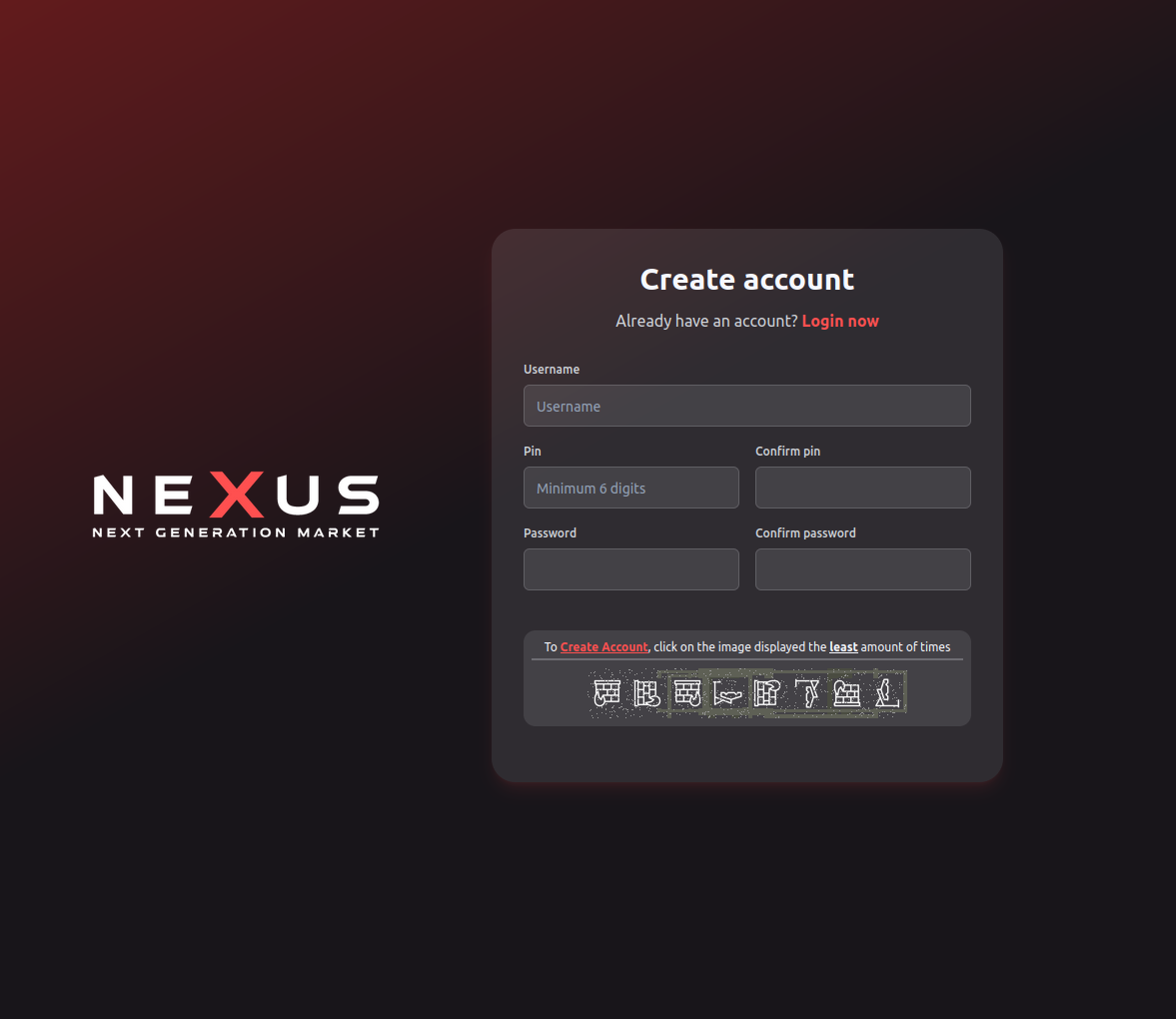
Navigate to the Nexus registration page via the verified link you copied in step 3. Choose a username with no connection to your identity — not your name, not your handle from any clearnet platform, not a variation of anything you've used before. Nexus does not require an email address. Username + password is sufficient for registration.

Use a password of at least 24 characters, randomly generated. Store it in KeePassXC immediately. After registration, go directly to account settings and do both of the following before you do anything else:

  • Upload your PGP public key (nexus-public.asc from step 4). Paste the full armored key block into the PGP key field. This unlocks PGP login — the platform encrypts a challenge with your public key; you decrypt it to authenticate. No password needed for subsequent logins.
  • Enable TOTP 2FA. Scan the QR code with KeePassXC (or a dedicated authenticator). Store the backup codes in an encrypted KeePassXC entry alongside the TOTP secret. Losing both your TOTP device and backup codes means permanent account lockout.
  • Set your PGP key as the default for message encryption. Every vendor message will then be encrypted to your key before leaving the server — even a full platform breach would not expose your order discussions in plaintext.
Nexus market product listing page showing vendor rating, order count, and multisig escrow option
Nexus product listings show vendor order history and dispute rates — key signals for evaluating trust before ordering.

Fund a Monero self-custody wallet — not an exchange address

payments

Buy XMR on any exchange. Withdraw immediately to a local Monero wallet — not back to the exchange's internal wallet, to a self-custody wallet you control. The official Monero GUI wallet works well on desktop. Feather Wallet is a lighter alternative with good privacy defaults. Both generate keys locally.

Wait for the withdrawal to confirm (Monero confirms in roughly two minutes). Once you have XMR in your local wallet, generate a fresh deposit address inside Nexus and send from your local wallet. That's the sequence: exchange → local wallet → Nexus. Two hops. Each hop breaks the direct link between your exchange KYC identity and your Nexus activity.

Monero's ring signatures obscure the sender in every transaction. But the first hop — exchange to local wallet — is still visible on the exchange's records. The second hop — local wallet to Nexus — is where Monero's privacy properties actually kick in. Both hops together make chain analysis close to impractical. One hop without the other is not the same protection.

Currency Privacy Confirmation Notes
Monero (XMR) High — ring signatures, stealth addresses, RingCT ~2 min Recommended default
Litecoin (LTC) Low — transparent chain like Bitcoin ~2.5 min Lower fees, same privacy risk as BTC
Bitcoin (BTC) Low — transparent, heavily analyzed by firms 10–60 min Requires coin mixing before deposit
Monero GUI wallet showing balance and receive address for depositing to Nexus market
Your Monero wallet should be funded locally before any deposit to Nexus. Never deposit from an exchange address.

Browse and evaluate vendors before your first order

due diligence

Spend time in the Nexus marketplace before ordering anything. Look at vendor profiles. Nexus shows order count, completion rate, dispute rate, average response time, and account age. These signals matter far more than any number of positive reviews, which are easily gamed.

The minimum bar for a vendor worth considering: 50+ completed orders, account age over three months, dispute rate under 3%, and active presence in the Nexus forum. A vendor with 200+ orders and a 4.8 average over 14 months has earned a level of trust that no amount of "excellent" review text from a new account can fake.

Check the Nexus internal forum for any vendor you're considering. Vendor AMAs, dispute reports, and community feedback all live inside Nexus — you don't need to cross-reference Dread for basic reputation checks, though Dread remains useful for cross-market vendor tracking.

Red flags — skip these vendors
  • Account created within the past 30 days
  • Fewer than 20 completed orders regardless of rating
  • Dispute rate above 5%
  • Prices significantly below all comparable vendors
  • No forum activity or post history
  • Offers "FE only" (finalize-early) on first contact
  • Requests communication outside Nexus encrypted messaging
  • Profile created immediately after another vendor's suspension

Place your first multisig order — test small, verify before releasing

first order

Your first order should be small. Not because the vendor is untrustworthy — you've done the due diligence in step 7 — but because learning the escrow workflow on a low-value transaction is far cheaper than learning it on a high-value one. Done.

When you initiate a 2-of-3 multisig order, Nexus generates an escrow address client-side. Three keys are involved: yours, the vendor's, and Nexus's. You fund the escrow address from your Monero wallet. Do not release funds until you've confirmed receipt. That's the single non-negotiable rule of multisig escrow.

If something goes wrong — wrong item, non-delivery, quality dispute — open a dispute inside Nexus. Both parties submit PGP-signed statements. Nexus staff arbitrates based on the signed messages. The 2-of-3 structure means the outcome cannot be forced by either the buyer or vendor unilaterally — Nexus holds one key and cannot act alone. This is what distinguishes multisig from the older centralized escrow model where a market going dark meant all in-escrow funds were lost.

// Multisig escrow lifecycle
1. Order initiated → escrow address generated (3 keys)
2. Buyer funds escrow address on-chain
3. Vendor confirms payment, ships order
4. Buyer receives order, confirms item matches description
5. Buyer signs release → 2-of-3 threshold met → funds released
// On dispute: Nexus arbitrates → uses Nexus key + winner's key
// Platform cannot act alone — needs buyer or vendor key to finalize

Once you've completed one successful round-trip, the workflow is the same for every subsequent order. Scale at whatever pace makes sense. The discipline of testing small first is not a one-time thing — apply it whenever you try a new vendor or a new category.

§02 · operational security

Staying secure after your first session

The setup process is a one-time cost. Ongoing discipline is the variable. These are the mistakes that burn otherwise careful users, tracked by what consistently appears in darknet prosecution case files.

Device hygiene

Never mix Nexus activity with everyday computing on the same device. Browser history, DNS cache, autocomplete data, and thumbnail caches all persist in ways most users don't account for. If you use a shared or multi-purpose computer, use Tails OS from a USB stick every time — it starts clean and leaves nothing.

Whonix is an alternative for users who want a persistent setup — it routes all traffic through Tor via a dedicated gateway VM. Nothing leaves the Whonix gateway without going through Tor. Good for users who need persistence; Tails is better for users who prioritize amnesia.

Address and identity compartmentalization

Generate a fresh delivery address profile for each vendor relationship. Do not reuse shipping details across vendors — cross-vendor profiling is one of the more effective investigative techniques, and it only works if you use the same address. Nexus supports encrypted address storage; your address is encrypted with the vendor's PGP key before storage, so Nexus staff cannot read it.

The pseudonym you chose in step 5 should never appear in any clearnet context. Not Reddit, not forums, not email. One cross-reference between a Nexus handle and a clearnet identity is all an investigator needs to build a full dossier. The EFF's anonymity guides cover this in useful depth.

When to rotate your Tor circuit

Rotate your Tor circuit (Ctrl+Shift+L in Tor Browser) if you experience repeated timeouts on a single mirror. Do not interpret a connection failure as a platform outage until you've tried a fresh circuit. Tor circuits can become slow or broken independently of the destination service. If all four Nexus mirrors time out on fresh circuits, check the Nexus Dread subdread for maintenance announcements before looking for alternative link sources.

Managing your PGP private key long-term

Your Nexus PGP private key is your identity. Keep it on an encrypted volume — VeraCrypt with a strong passphrase works. Back up the encrypted volume to a second physical storage medium kept in a separate location. If you lose the private key and have no backup, your Nexus account is permanently inaccessible. If someone else gets the private key plus the passphrase, they have full access to your account.

Most failures happen not at the technical layer but at the operational one. The tool is secure. The habit is where it breaks.

Reading the security landscape in 2026

Darknet market security in 2026 is meaningfully different from 2020. Chain analysis capabilities have improved significantly — particularly for Bitcoin. Monero remains resistant but requires proper handling (two-hop withdrawal, not direct-from-exchange). Browser fingerprinting techniques have advanced; Tor Browser's defenses have kept pace but require Safest mode to be effective.

Privacy Guides maintains current, well-researched tooling recommendations. The EFF Deeplinks blog covers enforcement actions and their technical implications as they happen. Both are worth bookmarking separately from Nexus itself.
§03 · guide questions

Common questions about Nexus access

Questions from first-time and returning users. For mirror-specific questions, see the verified URLs page. For platform features, see inside Nexus.

Do I need a VPN with Tor to access Nexus?

Tor alone is sufficient for accessing Nexus. A VPN placed before Tor (VPN then Tor) hides the fact that you're using Tor from your ISP, which may matter in some threat models. A VPN placed after Tor (Tor then VPN) is generally counterproductive — it adds a traceable endpoint and undermines the anonymity Tor provides. Whonix or Tails with Tor gives stronger protection than most VPN configurations without the risks of Tor-exit VPNs.

What is PGP and why does Nexus use it?

PGP is public-key cryptography. You have a keypair: public key (anyone can have it) and private key (only you hold it). Nexus uses it in two ways. First, for message encryption — vendor messages are encrypted with your public key, readable only with your private key. Second, for authentication — Nexus encrypts a login challenge with your public key; you decrypt it to prove you hold the private key. No password needed, nothing to phish, nothing to leak in a database breach. Use GnuPG — the canonical open-source implementation, free and well-audited.

Is Monero mandatory on Nexus?

No. Nexus accepts Bitcoin, Monero, and Litecoin equally. All three go through the same 2-of-3 multisig checkout. Monero is strongly recommended because its ring signatures and stealth addresses make both sender and receiver invisible on the blockchain. Bitcoin requires mixing before deposit to break the chain-analysis trail from your exchange KYC. Litecoin is faster than Bitcoin but carries the same transparency risk. Most experienced users converge on Monero. If you only hold BTC, it can work — just add a coin mixer step before depositing.

How long does Nexus account registration take?

Registration itself takes under three minutes. Setting up PGP login and 2FA adds about ten minutes if you already have a keypair ready. Generating a fresh keypair from scratch, using proper offline procedure, takes twenty to thirty minutes. Budget one full hour for a properly done first-time setup. Rushing the PGP step is the single most common mistake — a key generated carelessly is a key that may already be insecure before you use it.

What is multisig escrow and must I use it?

2-of-3 multisig escrow means three parties hold one key each: buyer, vendor, and Nexus. Any two keys can authorize a release. If buyer and vendor agree, Nexus is never involved. If there's a dispute, Nexus arbitrates and uses its key plus the winning party's key to finalize. The critical difference from standard escrow: Nexus alone cannot release your funds. Even if the platform were completely compromised, an attacker holding only Nexus's key could not move your money. It's not mandatory for micro-transactions, but it's the correct default for anything of value.

What should I do if my Nexus session drops mid-order?

Your session state is stored server-side, not in your browser. Log back in via any verified mirror and check your orders tab. If a multisig transaction was already initiated before the connection dropped, the escrow address exists on-chain — do not create a new order for the same item. Find the original order in your order history and fund the same escrow address. Creating a duplicate order means double payment with no mechanism for recovery.

Can I access Nexus from Tails OS?

Yes — Tails is one of the best environments for it. All Tails traffic routes through Tor by default. Launch the included Tor Browser, paste a verified Nexus onion link, done. Tails includes GnuPG natively, which makes PGP key operations straightforward. Store your private key on an encrypted Tails persistent volume (not in RAM — the live session is wiped on shutdown). Your KeePassXC database can also live on the persistent volume. Tails on a dedicated USB stick is a clean, separate context for Nexus activity with no trace left on the host machine.

How do I know a Nexus listing is genuine?

Check vendor stats: completed orders, account age, dispute rate, and forum activity. Nexus shows all of this on vendor profiles. Minimum useful threshold: 50+ orders, account over three months old, dispute rate under 3%. Read vendor forum posts if available — a vendor who answers questions in public builds a harder-to-fake reputation than one who only receives anonymous five-star ratings. Never choose a vendor based on price alone. The cheapest listing with no history is the oldest scam in the marketplace.

Ready? Get a verified Nexus link and open it in Tor.

All four mirrors verified as of April 21, 2026. PGP-checked against Dread announcements. Copy the link, paste into Tor Browser, run the steps in this guide. For a deeper look at what Nexus offers, see the platform overview.